
FOR CREATORS
Create, schedule and publish. Without living in your calendar.
Videos, images and UGC content in one flow. Schedule across every account, publish when the time is right and see your clicks and leads from your link page.
THE STUDIO
One image, one panel and a ready post.
Pick a photo, change the text, background and type. The Studio builds the UGC piece and leaves it ready to schedule or publish.
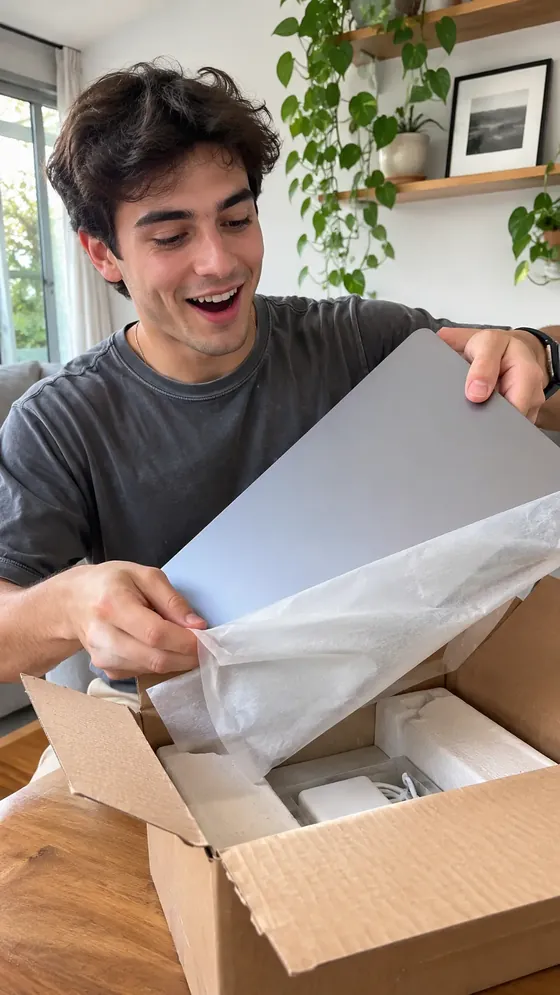 UGC · Unboxing
MY SKINCHANGED IN7 DAYS
@cami.creates
Studio
Edit post
Enter for a new line. Drag the text over the image to move it.
VIRAL
The clips that come out of the Studio.
Swipe to see more.
UGC · UnboxingPOV:YOUR ORDERJUST LANDED
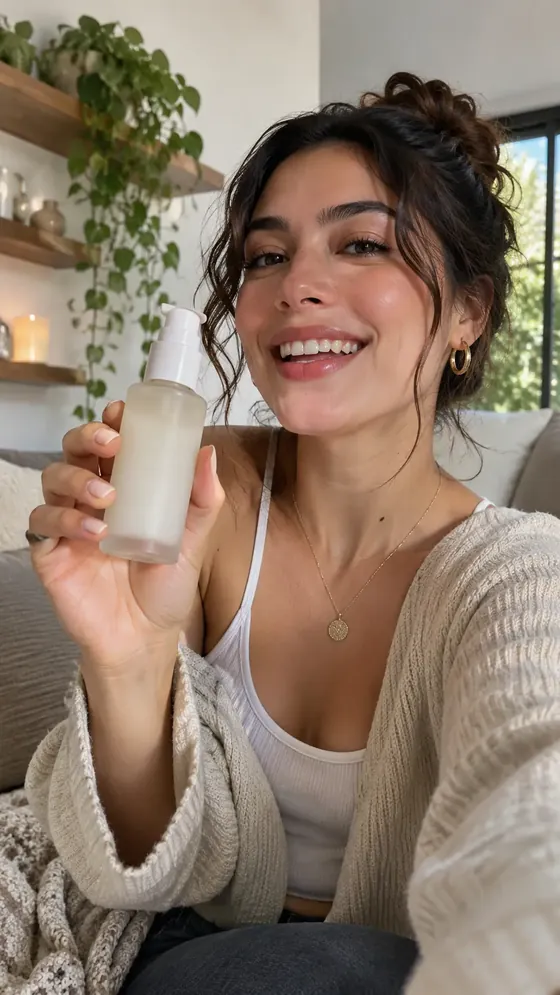 UGC · Beauty
MY SKINCHANGED IN7 DAYS
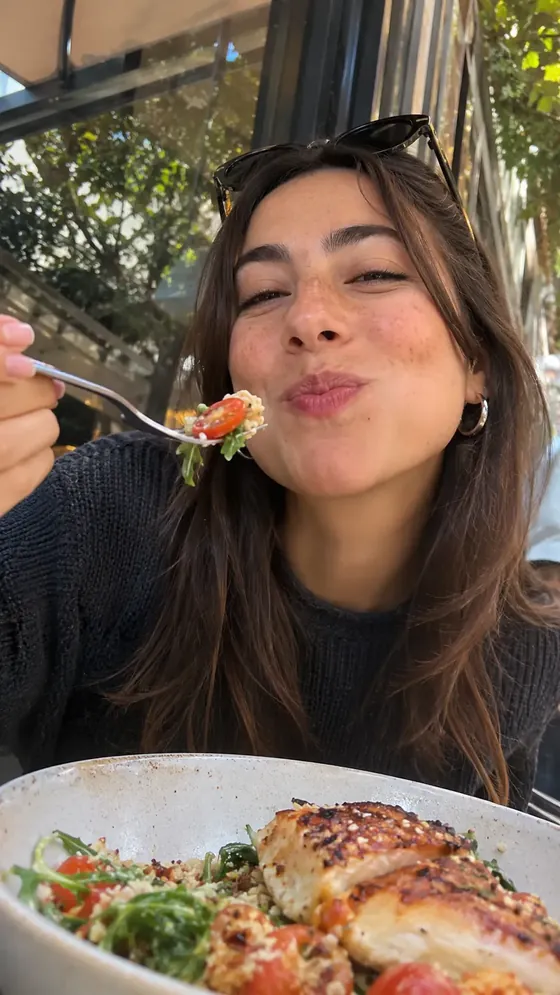 UGC · Food
3 SPOTSYOU HAVETO TRY
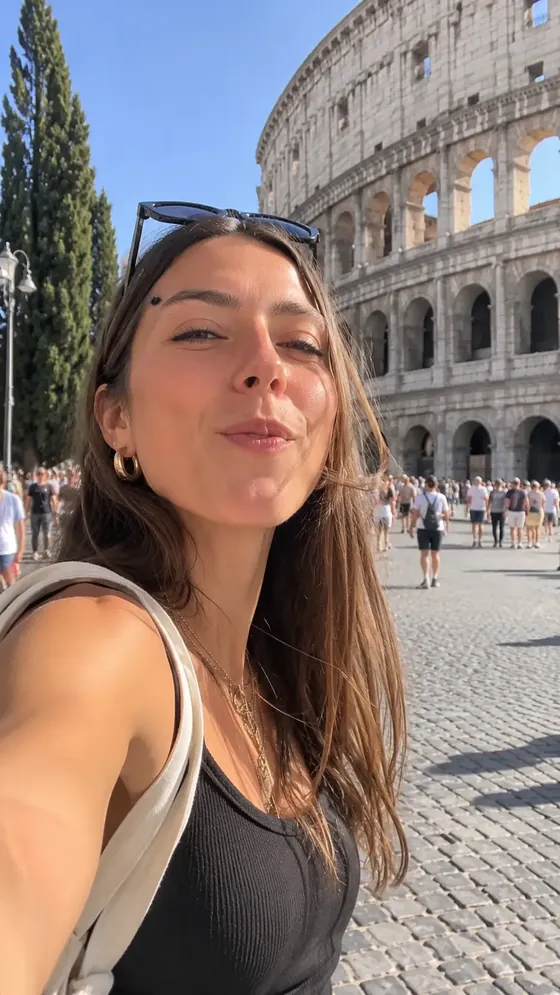 UGC · Travel
ROME IN24 HOURSNO LINES
YOUR LINK PAGE
Your bio is part of the flow too.
Bring your networks, your store and your latest video together on one page. Every click is tracked, so you know which content takes your audience all the way through.
- Your networks, store and latest video in one place
- Tracked clicks per link
- Leads and visits in the same dashboard
- Updates without touching code

Camila Rios
Tech · Productivity · Creative life
PUBLISH AND SCHEDULE
Publish right now. Or leave it scheduled.
Look at your week, tap a day and publish a post. If you leave it scheduled, it goes out on its own at the time you chose.
Calendar
November 2026
Sample data. Tap a day to see its posts and publish one instantly.
Selected day
Thursday November 5
Product carousel
Instagram · @clickfit.app
Published
Travel video
TikTok · @clickfit.app
YouTube short
YouTube · ClickFit
Publish now sends the post to your connected accounts. The rest stays scheduled for its time slot.
WHAT IT INCLUDES
Everything you need to publish more often.
- Templates for Reels, Stories and Feed
- AI for videos, images, copy and ads
- UGC content ready to publish
- 8 connected networks and multiple accounts per network
- Scheduling with date and time
- Link page with tracked clicks
- Leads and visits in one dashboard
- Editable without touching code
FEWER TABS
The same thing, without jumping from tool to tool.
FREQUENTLY ASKED QUESTIONS
What people usually ask before starting.
Do I need to know how to edit video?
No. You can start from a template, adjust the text and colors, and publish. If you already have your own clips, you can use them as a base and let AI help with the copy and variants.
Can I schedule the same post on Instagram, TikTok and YouTube?
Yes. Choose the accounts and networks, set the date and time, and the post lands on the calendar. You can also use a different version for each network if you want to adjust the format or copy.
Does the link page replace my website?
No. It is a page for your bio: it brings your networks, your store and your latest video together in one place. You can use it as an entry point and link to your website or store when needed.
Does it measure each network’s organic reach?
We do not invent that metric. ClickFit measures clicks, leads and visits from your link page, and the campaigns you connect. Views, reach and organic interactions are still visible on each platform.
Can I change the text and colors later?
Yes. Every post can be edited before publishing, and the link page updates without touching code. You can adjust the copy, images and link order whenever you want.